
















Online compass freecompass.online: how not to get lost on a trip
The network is gone, and you're standing at a fork in two forest paths. The paper map has gotten soggy, and the signpost is far behind you. A conventional magnetic compass points to magnetic north, not true north: the angle between them changes with latitude and over time (as of 10/2026, NOAA NCEI). An online compass on your phone solves the problem differently. It takes direction from built-in sensors and coordinates from satellites. Below, we break down how it works, where it goes wrong, and how to get it ready before your trip.
Ad: this article contains affiliate links, we earn a commission if you book through them, at no extra cost to you.
What an online compass is and how it works
💡 In short:
- Open the online compass page right in your phone's browser.
- Hold the device horizontally and turn on location services.
- Rotate until the north marker lines up with the arrow.
- How the service works and its features: as of 10/2026, according to freecompass.online.
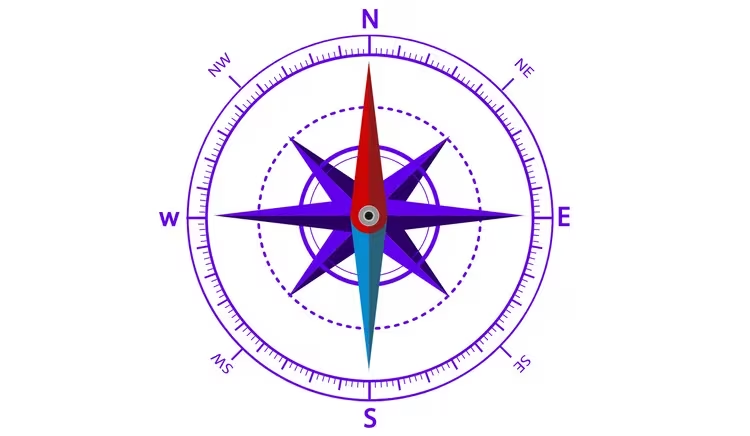
An online compass runs in the browser and replaces a standalone device. You open the page on a phone, tablet, or computer and see an arrow and an azimuth. Direction is determined by the magnetometer and accelerometer, while coordinates come from GPS satellites, and no registration is needed. One such service is freecompass.online. Its free online compass shows all 360° and the cardinal directions, saves waypoints, and shares your location (according to the service's website, verified 10/2026).
Calibration takes a minute. First, hold the phone horizontally and move any metal objects away. Then turn on location services so the service can receive coordinates. Rotate together with the device until the north marker lines up with the arrow, and from there the compass will show south, west, and east on its own.
It's also worth remembering magnetic declination. The compass needle is drawn to the magnetic pole, which does not coincide with true north. The difference between them varies from place to place and over time (as of 10/2026, NOAA NCEI). For a walk around the city, the correction doesn't matter, but on a long mountain route it's better to account for it in advance.
Why this is more convenient than a separate device:
- Convenience: no need to carry a separate compass.
- Speed: readings update in real time.
- Simplicity: calibration and turning on location services take a minute.
The table below helps compare the two tools.
Feature | Traditional compass | Online compass |
|---|---|---|
Availability | Must buy in advance | Free in the browser |
Carrying | Sits in your backpack | Opens on any device |
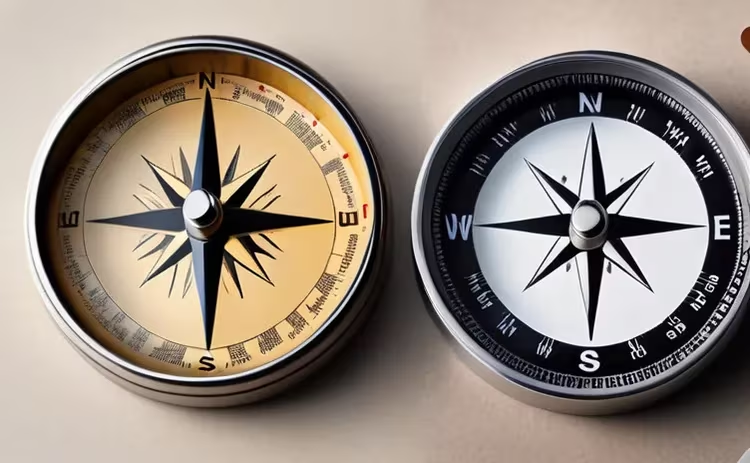
Accuracy | Does not depend on battery or sensors | Depends on calibration and interference |
Extras | Limited set | Geolocation, maps, waypoints |
What freecompass.online can do on a trip
The service's capabilities go beyond a simple arrow pointing north. It helps in several scenarios:
- Navigation on a trip: find your way in an unfamiliar forest or a new city.
- Hiking and expeditions: stay on course where the network is gone.
- Urban tourism: find landmarks and museums.
In the city, a compass is especially useful because it helps you quickly get your bearings in unfamiliar surroundings. You find interesting places and walk the streets with confidence, which saves time and energy. You can also enter a destination, and the compass will tell you which way to go: handy when the map on your phone is lagging and there's no one to ask for directions.
Navigation in the city
- Finding landmarks: locate famous places and museums in big cities.
- New neighborhoods: explore unfamiliar areas without fear of getting lost.
- Saving time: choose a convenient route and path to your destination.
Online compass on a hike and in nature
For adventure lovers and long-distance hikers, this tool becomes a reliable companion:
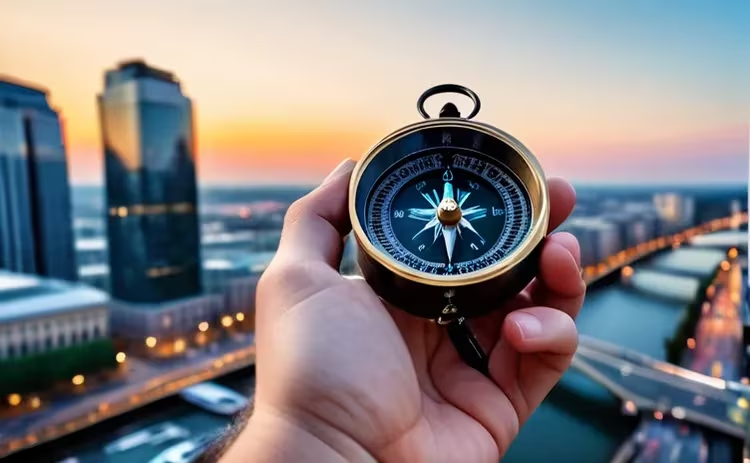
- Orienteering in the forest: stay on course when there are no trails or roads.
- Safety: in a difficult situation, the right direction helps at a critical moment.
- New territory: confidence in your heading lets you explore unfamiliar places more boldly.
Even if you're heading into the woods for just a day, bring a charged phone and a power bank. In the backcountry, the compass remains your main reference point when there are no signs and no signal around.
How to use an online compass correctly
To keep readings accurate, follow a few rules:
- Calibration: check your device and calibrate it with a figure-eight motion.
- Interference: keep metal, electronics, and magnetic cases away from your phone.
- Additional apps: combine the compass with maps and navigation. Abroad, maps need internet, so it's convenient to set up an eSIM for your trip in advance. That way you won't fall behind on your route, even in a foreign country.
Save important waypoints
The compass is useful not only for navigation but also for recording coordinates:
- Travel journal: mark the coordinates of places that impressed you.
- Planning: save waypoints for future visits and recommendations for friends.
- Research: precise coordinates are needed by scientists and geologists.
Online compass in everyday life
The tool is useful not only when traveling:
- Personal safety: quickly find an exit or shelter if you get lost.
- Sports events: orienteering on running and cycling routes.
- Education: help in geography and astronomy classes.
How a compass helps with learning
- Practical geography: helps you understand maps and coordinates.
- Spatial thinking: teaches you to determine directions without instruments.
- Research support: provides accurate data for fieldwork.
At school and university, a compass turns theory into practice. You measure the azimuth to an object and check it against the map, and coordinates and scale stop being an abstraction.
Online compass and new technologies
Technology keeps expanding the tool's capabilities:
- Device pairing: works with smartwatches and fitness bands.
- Augmented reality: hints overlaid on the camera image.
- Personalization: interface customization to fit your habits.
Augmented reality already shows direction right on top of the camera image. You point your phone at the street and see where the turn you need is. Watches and bands alert you with a gentle vibration when you drift off course.
Trends and development
As the number of mobile devices grows, this field will keep evolving:
- Accuracy: more reliable data thanks to modern sensors.
- Integration: pairing with apps and gadgets.
- New features: expanded navigation capabilities.
What will change in the online compass
The tool is becoming a familiar part of everyday life:
- Versatility: useful for travel, study, sports, and navigation.
- Development: new features arrive along with mobile technology.
- Accessibility: a free service open to a wide range of people.
In the future, the tool will become more intuitive and start working with artificial intelligence and augmented reality. Mobile devices are getting cheaper and sensors more accurate, so you'll be able to use the compass more often in education and field research.
⁉️🤔 Frequently asked questions
Does an online compass work without internet?
Direction is shown by the device's sensors, so after the page loads for the first time, the compass works without a network. Internet is only needed for maps and the initial page load. If you're in the backcountry, open the page in advance while you still have signal, and the tool will show direction offline.
Why does the compass on my phone show incorrect readings?
Magnetic interference is usually the culprit. Metal, power cables, a magnetic case, and nearby electronics distort the field. Calibration helps: move your phone in a figure-eight motion and repeat it away from metal. If the needle still shakes, remove the case and step away from cars or rails.
How is an online compass different from a regular one?
A regular compass points to magnetic north and does not depend on a battery. The online version uses several sensors at once and provides coordinates. It's free, always at hand, and takes up no space in your backpack. On the other hand, it depends entirely on your phone's charge, so a power bank is useful on a long hike.
Is an online compass accurate in the forest and mountains?
For walks and hikes, the accuracy is sufficient if you've calibrated the device. Direction is calculated by sensors, and coordinates come from satellites. In dense forest and canyons, the GPS signal weakens, so it's better to combine the compass with a paper map and a pre-downloaded route.
Do I need to account for magnetic declination?
Yes, if true north matters to you. The magnetic needle points to the magnetic pole, which does not coincide with true north. The difference is called declination and varies from place to place (as of 10/2026, NOAA NCEI). You can check the value in advance and apply the correction.
In short: how to choose an online compass
A good compass opens in the browser, works with your phone's sensors, and requires no installation. Check three things: support for your device, calibration availability, and your phone's battery reserve. For walks, a basic version is enough, while for hikes, waypoint saving and maps will come in handy. Open the compass at home and calibrate it in advance so you don't waste time on the trail.

A small editorial team writing guides for independent travel. We travel ourselves, but we haven’t been everywhere, so we check prices, opening hours and how to get there against official sources.